Online Competition Setup Guide
How to Setup for an Online Competition
Whenever you participate in an ONLINE Competition, proper preparation is essential. Follow this setup guide for a smooth & professional online experience.
1. Prepare Your Environment
- Ensure the room has good lighting conditions.
- Clean your visual work area—remove unnecessary items.
- Make sure your client is properly draped.
- Avoid revealing any more skin than necessary.
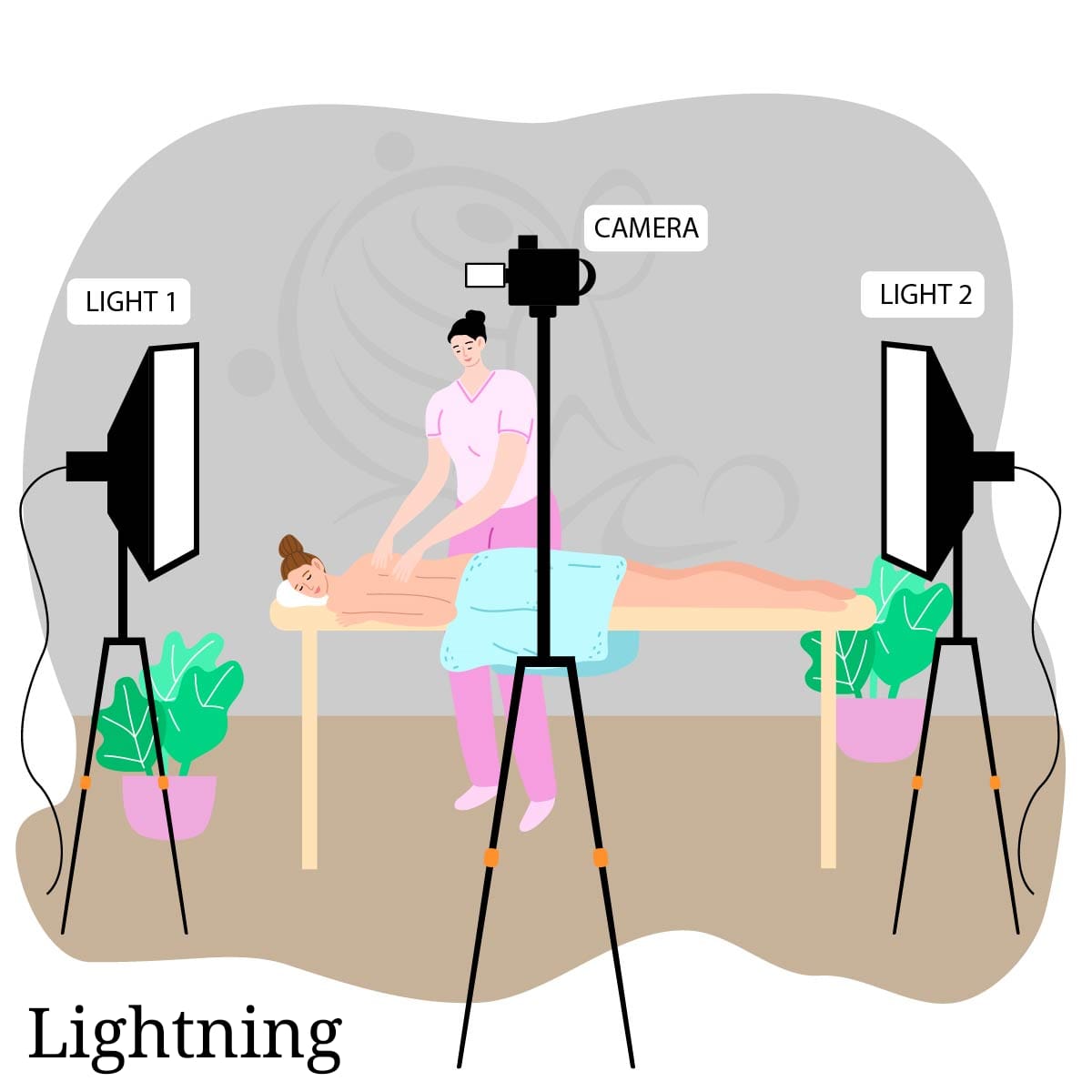
2. Camera & Recording Setup
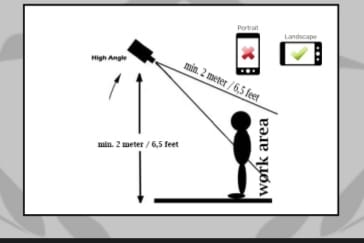
- Elevate the recording device at least 2 meters / 6.5 feet.
- Use a downward angle towards the work area.
- Maintain minimum 2-meter distance from therapist/work area.
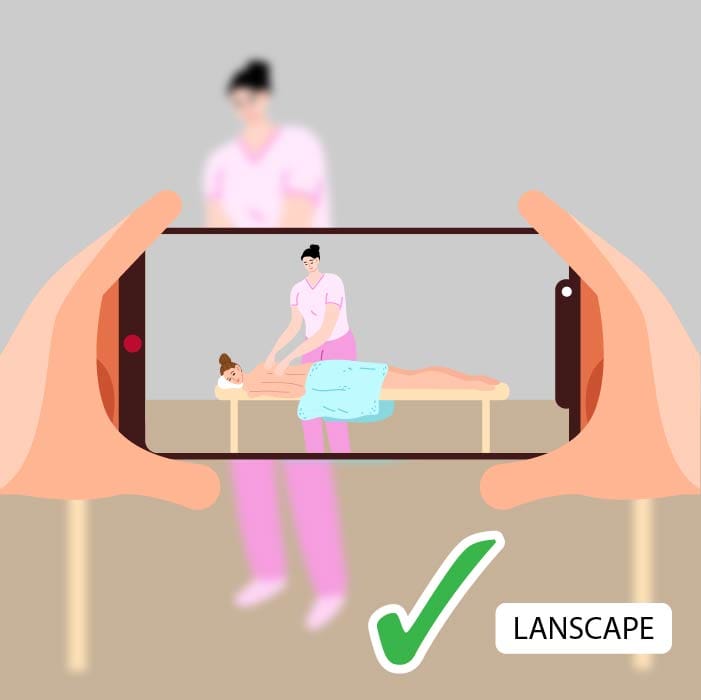
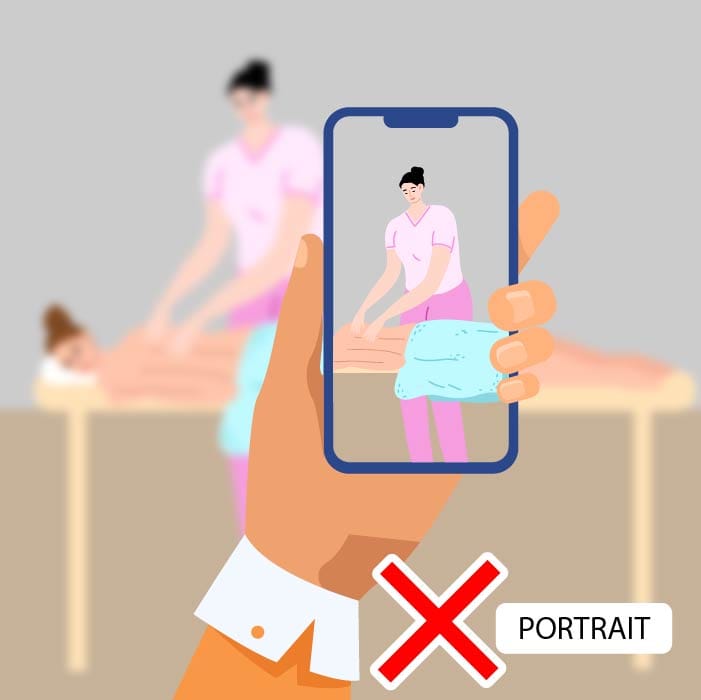
- Always flip the camera to landscape mode.
- Turn off the microphone unless instructed otherwise.
3. Zoom Meeting Requirements
- You must have the Zoom app installed.
- Change your meeting name to First Name + Surname.
- This helps Competition organizers identify all participants clearly.
Follow these steps to ensure your online Competition participation runs smoothly.